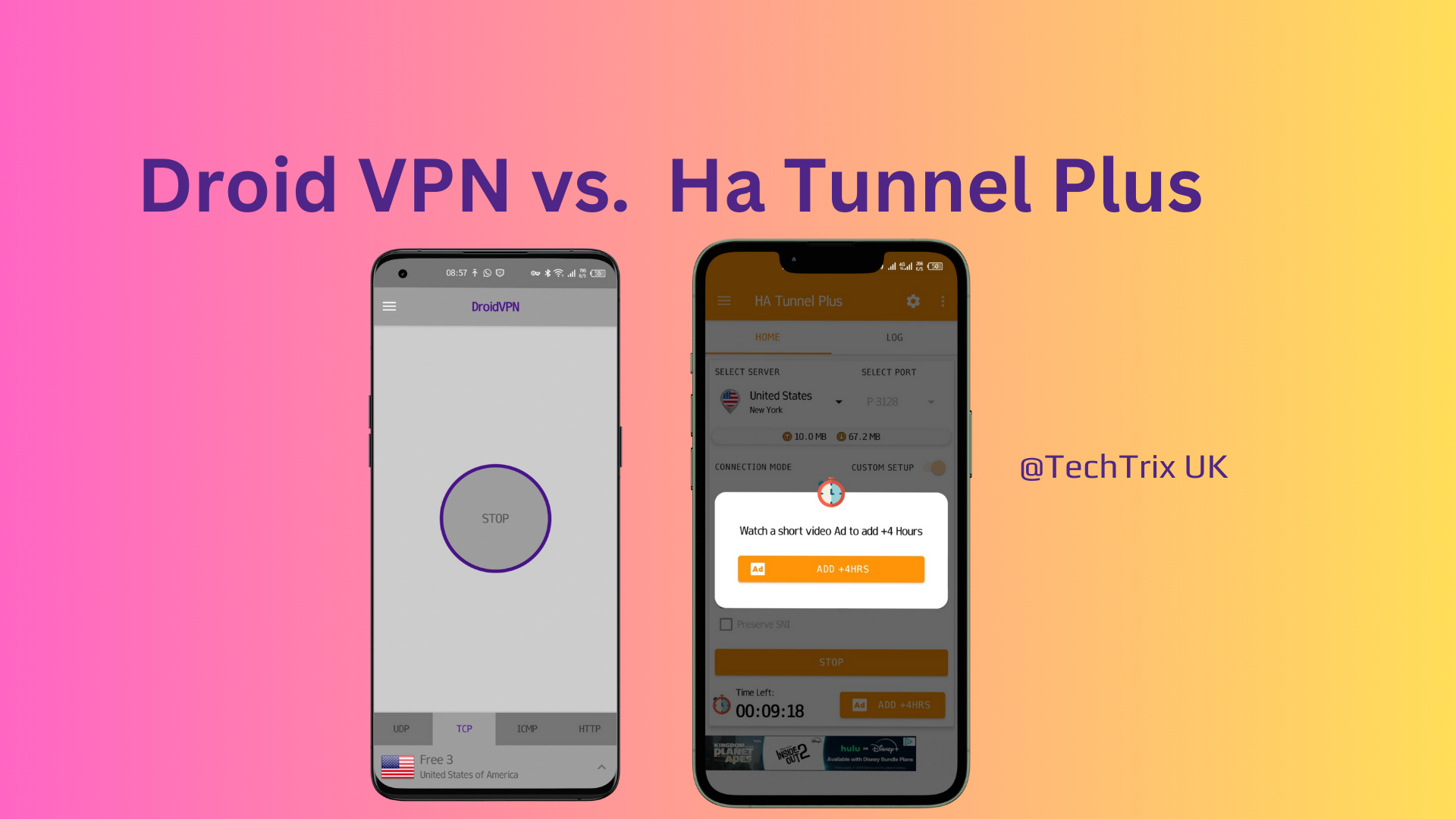
In the world of network tunneling, HA Tunnel Plus has solidified its reputation as the most versatile tool for 2026.
Unlike standard services found in our guide to the best Android VPNs, HA Tunnel Plus allows users to manually “inject” payloads and SNI hosts to bypass specific ISP restrictions.
As the owner of TechTrix, I have tested dozens of configurations.
While apps like Stark VPN Reloaded offer simplicity, HA Tunnel Plus offers the raw power needed to sustain high-speed connections for streaming and heavy downloads.
In this guide, I will show you how to master this app from scratch.
What is HA Tunnel Plus?
HA Tunnel Plus is a VPN that utilizes the SSH (Secure Shell) protocol to tunnel your internet traffic.
It is famous for its .hat configuration files, which contain the specific “bugs” or “hosts” required to trick a network into providing free access.
To understand the underlying technology of how these tunnels bypass firewalls, you can explore Fortinet’s explanation of VPN Tunneling.
Step 1: Secure Installation
For your security, I always recommend downloading the official version from the Play Store to avoid modified APKs that might contain trackers.
- Download: Get HA Tunnel Plus by Art of Tunnel on the Google Play Store.
- Optimization: Before launching, ensure your device is running smoothly. If your phone feels sluggish, check out our list of the top 5 utility apps to improve Android performance.
- Permissions: Grant the app permission to “Set up a VPN connection” when prompted.
Step 2: Configuring with .hat Files
If you aren’t a network expert, using pre-made configuration files is the easiest way to get started. These files are often shared in our community updates.
- Launch the App: Open HA Tunnel Plus.
- Import: Tap the three-dot menu in the top-right corner and select Import/Export.
- Load: Choose Import Config and navigate to your
.hatfile. - Connect: Tap the START button. If your config is valid, you will see the status change to “Connected.”
Step 3: Creating Your Own “Bug Host” Config
If you prefer the DIY approach, you can create a custom setup. This is a great alternative if you find that Droid VPN is too limited for your needs.
- Find an SNI Host: This is usually a website that your ISP allows you to visit for free (like a social media or educational site).
- Set Connection Mode: Switch the toggle to Custom Setup.
- Select Protocol: Choose SSL (TLS) for SNI-based tricks.
- Enter SNI: Type your bug host (e.g.,
m.facebook.com) into the SNI field.- Note: For more details on why this specific domain is used for tricks, read our breakdown of what m.facebook.com actually is.
Comparison: HA Tunnel Plus vs. Stark VPN
| Feature | HA Tunnel Plus | Stark VPN |
| Config Format | .hat | .stark |
| Learning Curve | Moderate | Very Low |
| Customization | Excellent | Good |
| Unlimited Data | Yes (With right config) | Yes |
Expert Tips for 2026
- Watch for Battery Drain: Advanced tunneling can be hard on your battery. I recommend using Greenify or GSam Battery Monitor to keep an eye on your device health while the VPN is active.
- Use AI for Help: If you are struggling to write a custom payload, you can use ChatGPT on WhatsApp to help you format the HTTP headers correctly.
- Keep Apps Updated: Art of Tunnel frequently releases updates to patch bugs. Always use the latest version to ensure connection stability.
Final Thoughts
HA Tunnel Plus remains a top-tier choice for power users in 2026.
Whether you are using it to save on data costs or to access a more private web, its flexibility is unmatched.
Having trouble connecting? Drop a comment below with your network name, and I’ll do my best to help you troubleshoot!