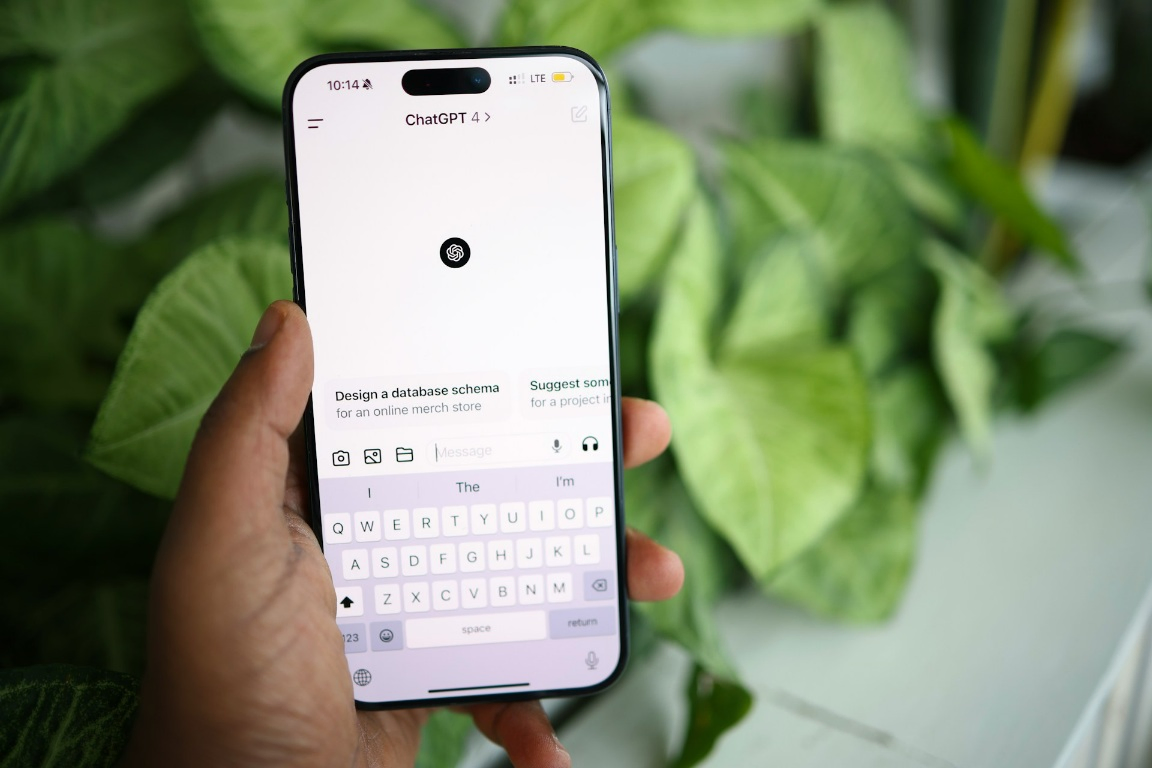

As we step further into 2026, our Android devices are no longer just phones—they are the hubs of our digital lives.
Whether you are using your device for high-speed Stark VPN browsing or managing a busy remote work schedule, peak performance is non-negotiable.
However, even the most powerful smartphones can eventually fall victim to “digital fatigue.”
Background processes, cache bloat, and unoptimized “zombie” apps can lead to frustrating lag and battery drain.
Having tested hundreds of optimization tools over the years, I have narrowed down the top 5 utility apps that are essential for any Android user this year.
1. SD Maid 2/SE: The Precision Specialist
While many “cleaners” are just flashy animations, SD Maid 2/SE remains the gold standard for deep system maintenance.
In 2026, it has been fully optimized for the latest Android file structures to find files others miss.
- CorpseFinder: Automatically detects and removes data left behind by apps you uninstalled months ago.
- SystemCleaner: Safely targets known “junk” locations without risking your personal data.
- Why I recommend it: It is honest. Unlike apps that claim to “increase RAM” (which is technically impossible), SD Maid focuses on file management and storage efficiency.
- Pro Tip: Use the “AppCleaner” feature to clear hidden caches that the standard Android settings menu often overlooks.
2. Greenify: The Battery Life Savior
Even in 2026, background app behavior remains the cause of battery drain.
Greenify is my go-to recommendation for keeping power-hungry apps in check without needing to uninstall them.
- Automated Hibernation: It identifies apps that “wake up” your phone and puts them into a deep sleep until you actually open them.
- Non-Root Functionality: While it works best on rooted devices, the non-root mode is now faster and more reliable than ever.
- Owner’s Take: If you find your phone is hot to the touch or losing 20% battery overnight, Greenify is the first app you should install from the TechTrix download center.
3. Files by Google: The Smart Manager
It might seem simple, but Files by Google has evolved into a powerful optimization utility.
It uses Google’s AI to identify duplicate photos, blurry memes, and large files that are suffocating your storage.
- Smart Cleaning Recommendations: Instead of guessing, the app suggests exactly what to delete based on your usage patterns.
- Encrypted File Sharing: Beyond cleaning, it offers lightning-fast offline file transfers.
- Why it’s essential: It’s lightweight, ad-free, and incredibly safe. For those who want a “set it and forget it” solution, this is it.
4. GSam Battery Monitor: The Analytics Powerhouse
To fix a performance issue, you first need to understand it.
GSam Battery Monitor provides the most detailed breakdown of power consumption available on the Play Store.
- App Sucker: This feature shows you exactly which app is responsible for CPU usage and sensor drain.
- Wake-Lock Statistics: It identifies apps that prevent your phone from entering “Deep Sleep” mode.
- Expert Insight: I use GSam to audit new apps. If an app is taking up more than 5% of my total daily drain without being used, it gets uninstalled immediately.
5. CCleaner: The All-in-One Optimizer
The Android version of CCleaner has seen massive updates for 2026, moving away from simple cleaning to a full “Device Overview” dashboard.
- Hibernate Feature: Similar to Greenify, it stops background tasks to free up resources.
- Media Gallery Optimization: It helps find poor-quality photos and duplicates to keep your gallery lean.
- Safety Check: CCleaner is backed by years of development, ensuring that its cleaning algorithms are safe for modern Android versions.
Comparison Table: Which App Do You Need?
| Goal | Best App | Skill Level |
| Deep Cleaning | SD Maid 2 | Intermediate |
| Battery Life | Greenify | Beginner |
| Storage Space | Files by Google | Beginner |
| Diagnostics | GSam Monitor | Expert |
| Ease of Use | CCleaner | Beginner |
Final Thoughts from the Owner
Keeping your Android device running like new doesn’t require a degree in computer science, it just requires the right tools.
By combining a deep cleaner like SD Maid with a monitor like GSam, you can extend the lifespan of your device by years.
If you enjoyed this guide, be sure to check out our previous post on securing your connection with Stark VPN or learn how to optimize your mobile data usage.
What is your favorite utility app this year? Let me know in the comments below!