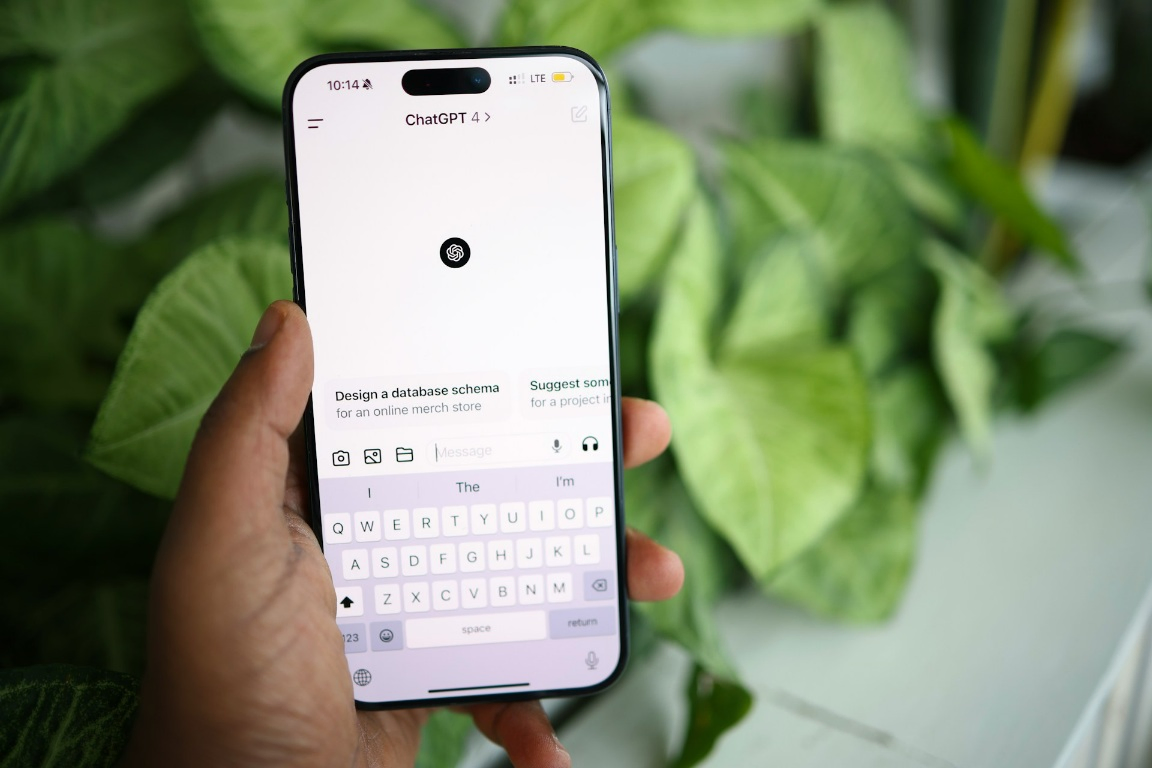

Artificial Intelligence has officially moved from our desktops to our pockets.
As we move through 2026, ChatGPT is no longer just a website you visit; it has become a personal assistant that lives inside your favorite messaging app.
As the owner of TechTrix, I’ve spent the last year testing various AI integrations.
While using top utility apps to improve Android performance is great for your hardware, adding ChatGPT to WhatsApp is the ultimate “utility” for your productivity.
In this guide, I will show you how to set up this powerful tool safely and efficiently.
Why Bring ChatGPT to WhatsApp?
WhatsApp is where most of us spend our digital lives. By integrating OpenAI’s technology, you can:
- Draft Content on the Go: Write professional emails or m.facebook.com status updates without leaving your chat.
- Instant Summaries: Paste long articles to get 3-point summaries while you’re commuting.
- Security & Privacy: When used with the best Android VPNs of 2026, your AI queries remain private and encrypted.
How to Set Up ChatGPT on WhatsApp (Step-by-Step)
In 2026, there are three main ways to access ChatGPT on WhatsApp. Since OpenAI does not have an official “number” yet, we use verified third-party partners.
1. Choose a Trusted AI Bot
Many services now offer “Direct-to-WhatsApp” AI. When choosing, ensure they use the GPT-4o or GPT-5 architecture for the best results.
I always recommend services that have a clear privacy policy, similar to how we vet safe tunneling apps like Stark VPN.
2. Save the Number or Scan the QR Code
Once you choose a service (like WizAI, BuddyGPT, or Shmooz), you will be given a dedicated WhatsApp number.
- Step: Save the contact as “AI Assistant.”
- Pro Tip: If you are using Droid VPN or HA Tunnel Plus to save on data, ensure your connection is stable before sending your first prompt.
3. Send Your First “Prompt”
Open your WhatsApp, find the contact, and just say “Hello.” The bot will introduce itself and show you what it can do.
Advanced 2026 Features You Should Try
The 2026 versions of these bots are far more capable than earlier versions. You can now:
- Voice-to-Text: Send a voice note, and ChatGPT will transcribe it and reply in text.
- Image Analysis: Upload a photo of a math problem or a broken appliance, and ask the AI to explain the fix.
- Coding Support: Debug snippets of code directly in your chat window.
Security Checklist: Stay Safe While Chatting
As someone who values digital safety, I must remind you that not all bots are created equal.
- Never Share Sensitive Data: Do not send your bank details or private passwords to an AI bot.
- Verify the Source: Only use links from reputable sites like TechTrix.
- Check the URL: Before registering on a bot’s website, ensure it has a valid SSL certificate (the padlock icon), just as you would when verifying m.facebook.com.
Comparison: AI Bot vs. Official App
| Feature | WhatsApp AI Bot | Official ChatGPT App |
| Ease of Access | High (Integrated) | Moderate (Separate App) |
| Data Usage | Very Low | Moderate |
| Offline Support | No | No |
| Voice Notes | Yes (Native) | Yes (App only) |
Final Thoughts
Integrating ChatGPT with WhatsApp is a game-changer for anyone looking to work smarter in 2026.
It saves time, reduces app switching, and puts a world of knowledge at your fingertips.
If you are ready to get started, I have provided a verified link below to help you get the most reliable WhatsApp number for AI today.
Get Started Now
Click the button below to get your free ChatGPT WhatsApp number and start chatting today!
Have you tried an AI bot on WhatsApp yet? Let me know your favorite prompts in the comments!