
In our ongoing mission at TechTrix to help you navigate high data costs, we have covered several powerful tools recently.
From our comparison of Droid VPN and HA Tunnel Plus to our list of essential Android performance utilities, we focus on getting the most out of your device.
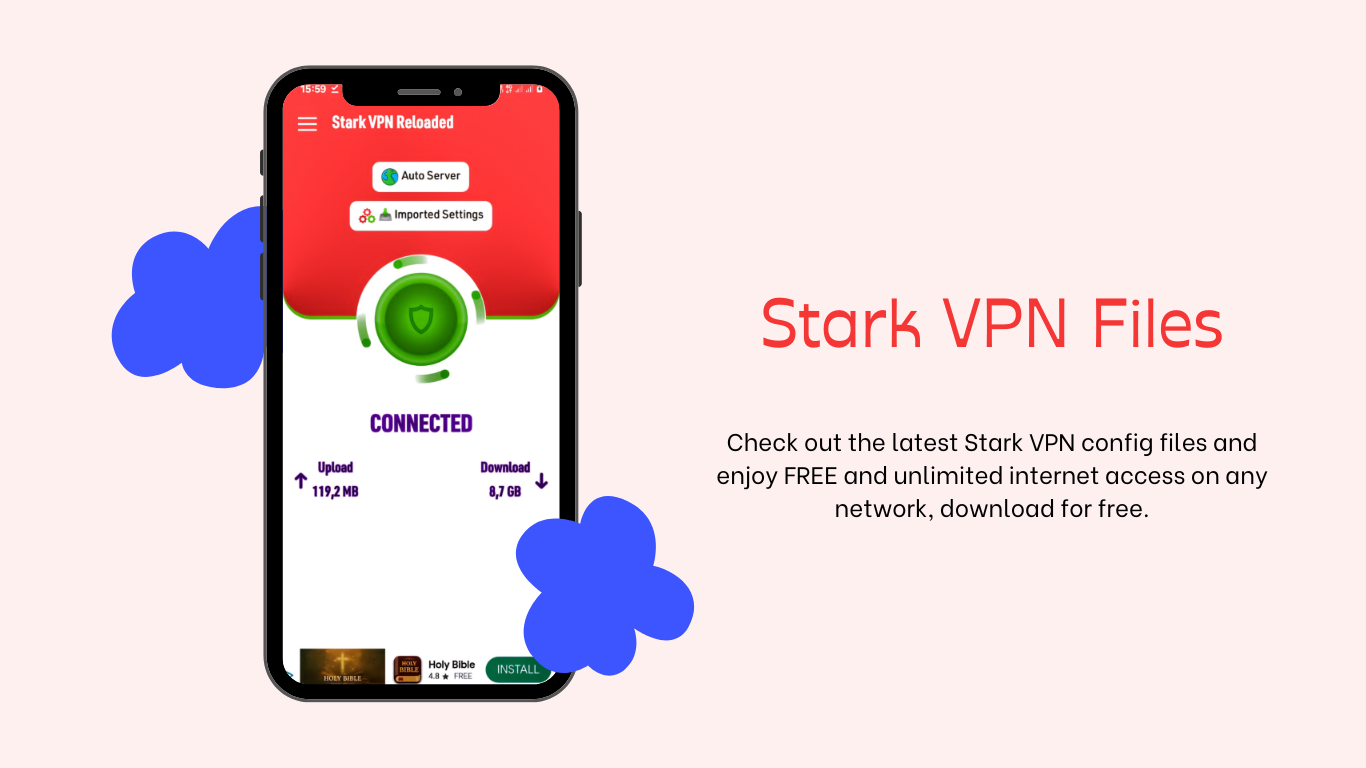
Today, we are diving deep into Stark VPN Reloaded, a fan-favorite tool for 2026 due to its incredible ease of use and custom “tweaking” capabilities.
While many users prefer the high-end security of premium VPNs, Stark VPN is specifically built for those who need to bypass network firewalls using custom .stark configuration files.
Understanding how these files interact with network protocols is the first step toward achieving a stable, free connection.
What is Stark VPN and Why Does it Need Config Files?
Stark VPN is a tunneling application that allows you to modify how your phone talks to your ISP.
Unlike the official Facebook mobile site which is designed to save data through simplification, Stark VPN saves you data by “cloaking” your traffic.
The “Magic” happens inside the Config Files (.stark). These are small files containing server addresses and header commands that tell the VPN exactly how to bypass your specific network’s restrictions.
Because ISPs regularly update their firewall security, these files must be updated frequently to remain functional in 2026.
How to Securely Download Stark VPN APK
To avoid malware, I always recommend my readers download the app from verified sources.
A common risk in the “free internet” community is downloading modified APKs that contain hidden trackers.
According to Cybersecurity experts, installing apps from unknown sources can expose your private data to hackers.
- Direct Download: You can find the verified Stark VPN APK right here on TechTrix.
- Installation: Once downloaded, enable “Install Unknown Apps” in your Android settings.
- Optimization: After installation, use GSam Battery Monitor to ensure the VPN isn’t draining your battery excessively in the background.
Setting Up Free Stark VPN Config Files
Once you have the app, you need a working configuration. Here is the process I use to get connected in seconds:
1. Download the Latest .stark Files
We update our config library daily. Always choose a file that matches your specific network provider and country. Using a file meant for another network will simply fail to connect.
2. Importing the Configuration
- Open Stark VPN and tap the Menu icon (three lines).
- Select Import Config.
- Navigate to your “Downloads” folder and select the
.starkfile. - Check the m.facebook.com URL or a simple search engine to verify your connection is active.
3. Connection Tips
If the connection is slow, try switching your connection protocol between UDP and TCP. For more advanced users, integrating ChatGPT on WhatsApp can help you troubleshoot specific error codes returned by the app.
Troubleshooting Common Errors in 2026
Even with the best config files, you might face issues. Here is how I solve them:
- Connection Timeout: This usually means the SNI (Server Name Indication) in the config has been blocked. You will need to download a fresh file from our TechTrix update section.
- Zero-Balance Requirement: Most “free internet” tricks require your SIM card to have $0.00 balance to prevent the ISP from accidentally charging your main account.
- App Lag: If the VPN app keeps crashing, refer to our guide on how to clean up Android background apps to free up RAM.
Comparison: Stark VPN vs. HA Tunnel Plus
| Feature | Stark VPN | HA Tunnel Plus |
| User Interface | One-Tap (Very Easy) | Advanced (Technical) |
| Config File Format | .stark | .hat |
| Best For | Beginners | Power Users |
| 2026 Stability | High | Excellent |
Final Thoughts from the Owner
Stark VPN is a life-changing utility for those in regions with high data prices.
However, I must remind you that for sensitive tasks like mobile banking, you should always switch back to a trusted, premium VPN service.
At TechTrix, we are committed to keeping you connected.
Which network are you currently trying to configure? Let us know in the comments, and our community will help you find a working file!


