If you have ever accessed social media through a mobile browser, you have likely seen the prefix “m.” attached to the URL.
For many, seeing m.facebook.com instead of the standard web address can cause a moment of hesitation. Is it a scam? Is it a lite version?
As the owner of TechTrix, I want to clarify that this is a completely official and safe domain.
In fact, understanding how these mobile domains work is just as important as knowing how to use Stark VPN Reloaded safely when browsing on restricted networks.
What Exactly is m.facebook.com?
The “m” stands for Mobile. It is the official version of Facebook designed to run inside a web browser on your smartphone or tablet.
Back when mobile data was extremely expensive, Facebook created this version to ensure users could stay connected without consuming massive amounts of bandwidth.
Even in 2026, where 5G is common, this domain remains useful for users who prefer not to install the storage-heavy Facebook app.
Keeping your device storage lean is a key part of mobile health, much like using the top utility apps to improve Android performance that we discussed recently.
Why Use the Mobile Site Instead of the App?
Many of our readers ask why they should bother with a browser-based version when an app exists. Here are the primary reasons:
- Storage Savings: The Facebook app can take up hundreds of megabytes. Using the “m” site uses zero storage.
- Privacy: Browsers often offer better cookie control and tracking prevention than standalone apps.
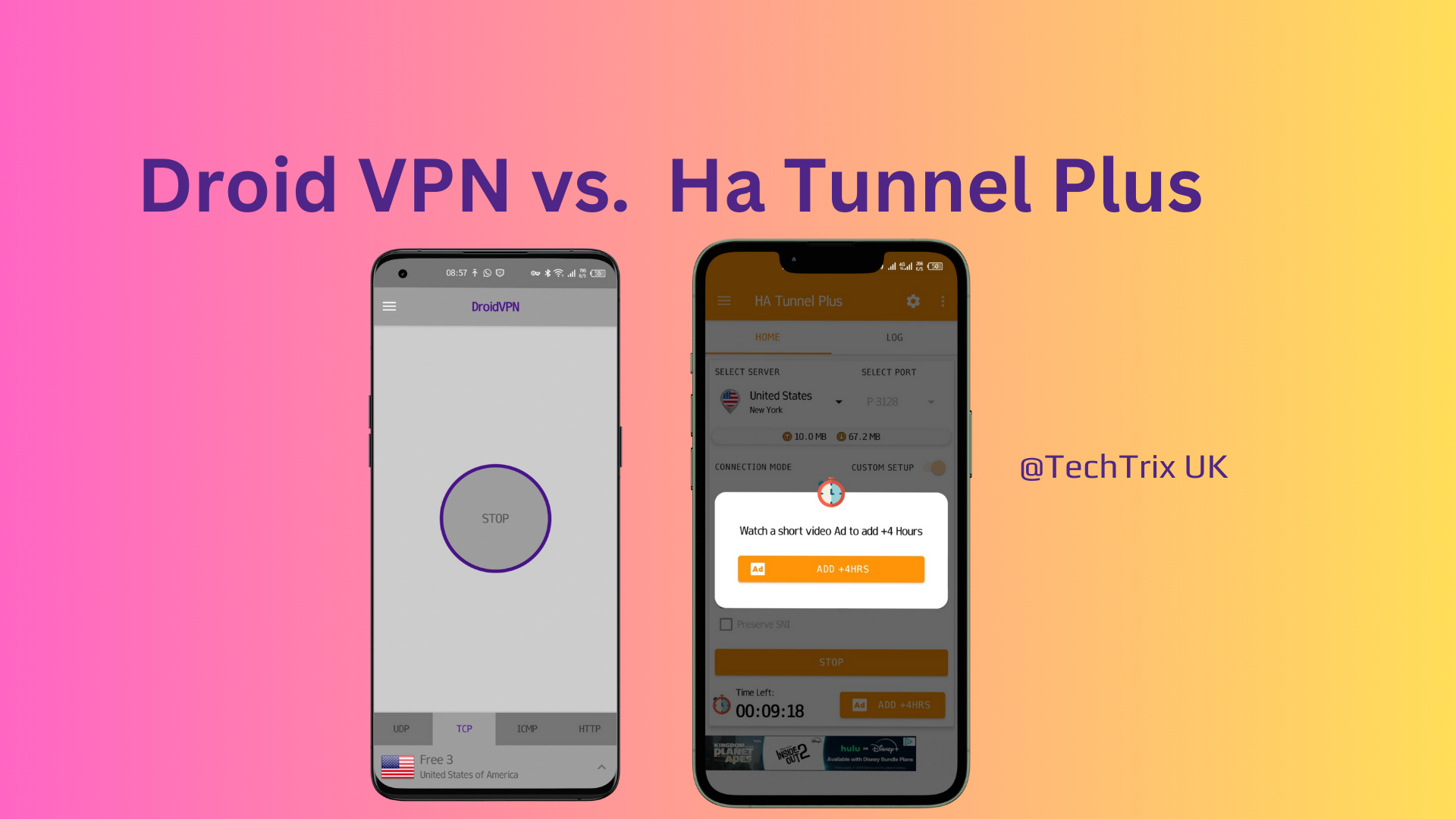
- Data Efficiency: It is a “stripped-down” version that loads faster on weak signals. This is particularly helpful if you are using tunneling apps like HA Tunnel Plus or Droid VPN to access the internet in low-coverage areas.
Security: Is m.facebook.com Safe?
Yes, it is 100% legitimate and owned by Meta Platforms, Inc. However, because it is so popular, it is a frequent target for “phishing” clones.
How to Verify the Site:
- Check the Suffix: It must end exactly in
.facebook.com. - The Padlock Icon: Ensure the URL starts with
https://. This indicates your data is encrypted. - Avoid Redirects: Never log in if you were sent to the site via a suspicious SMS or email. Always type the address manually into your browser.
Just as we emphasize security in our guide to the best Android VPNs for 2026, your first line of defense is always verifying the URL before entering your password.
m.facebook.com vs. www.facebook.com
| Feature | m.facebook.com | www.facebook.com |
| Primary Device | Smartphones / Tablets | PCs / Laptops |
| Interface | Vertical / Simplified | Multi-column / Full |
| Data Weight | Very Light | Heavy |
| Best Used On | Mobile Browsers | Chrome / Edge / Safari (Desktop) |
If you try to access the “www” version on a phone, Facebook will usually redirect you to the “m” version automatically to save you time and data.
FAQs (2026 Edition)
1. Can I use my regular password? Yes. It uses the same database as the main site and the app. Your login credentials are safe as long as the URL is correct.
2. Why does the layout look different? The “m” version uses a simplified UI to make buttons easier to tap with your thumb. It removes heavy animations to ensure fast loading.
3. Does it work with “Free Basics”? In many regions, the mobile version is the only version compatible with “Free Mode” or “Free Basics” offered by local network providers.
Final Thoughts
Using m.facebook.com is a smart move for anyone looking to save battery life and data.
It provides a clean, fast, and secure experience without the bloat of a dedicated application.
For more tips on optimizing your mobile experience and staying safe online, don’t forget to check out our latest reviews on performance-boosting utilities and secure browsing tools.
Do you prefer the Facebook App or the browser version? Let me know in the comments below!